How Can AI Help My Small Business? Three Everyday Examples
- News & Notes
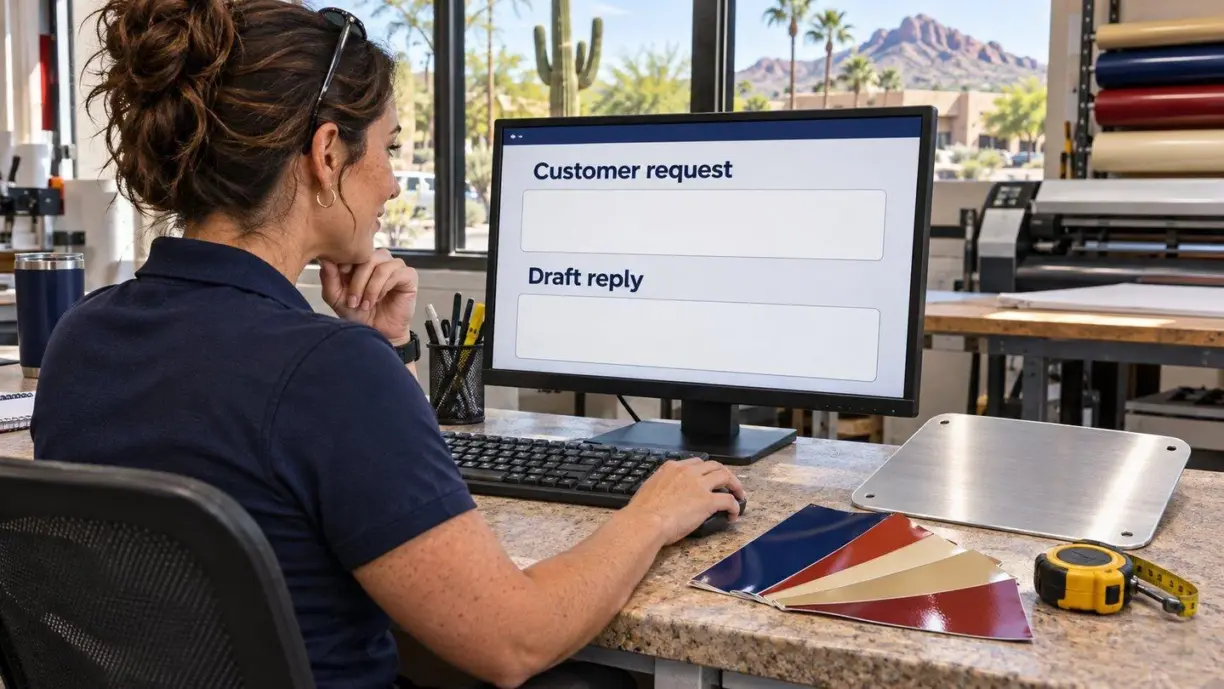
If you’re asking “How can AI help my small business?” look for a task where someone reads a customer’s words and turns them into something another person can use. A quote request becomes a job brief. A technician’s notes become a service report. A stack of customer questions becomes a better product page. Each is small enough to test before buying software or hiring a developer.
Here’s how each would work, who should check the result, and how to tell whether the time saved justifies the cost.
How can AI help my small business handle quote requests?
Picture a Scottsdale sign shop on a Monday morning. A café owner writes, “We need two sidewalk signs before Friday. Can they stay outside in the rain? I can send our logo tomorrow.” An estimator needs to figure out what’s known, what’s missing, and what she can promise.
Give an AI assistant the inquiry and a short list of details the shop needs for a quote. Ask it to prepare a brief and a reply. The brief should capture two signs, outdoor use, the Friday request, and the pending logo. A useful reply asks about sign size and pickup or delivery. The estimator still checks the material, price, and production schedule. “Requested by Friday” belongs in a different field from “confirmed for Friday.”
A first test can happen right in the inbox. On eligible plans, Gemini in Gmail can draft a reply using an email thread. Once the drafts prove useful, a developer could connect the website form to the shop’s job board. A new inquiry would open a draft job with the original message attached. The estimator could check the details in one place and send the revised reply.
Turn field notes into a report the office can use
An electrician finishes a visit and dictates a note into the company’s job app: “Replaced the lobby switch. The west hallway still flickers. Need the fixture model before I order a part. Sam will call the building manager tomorrow.”
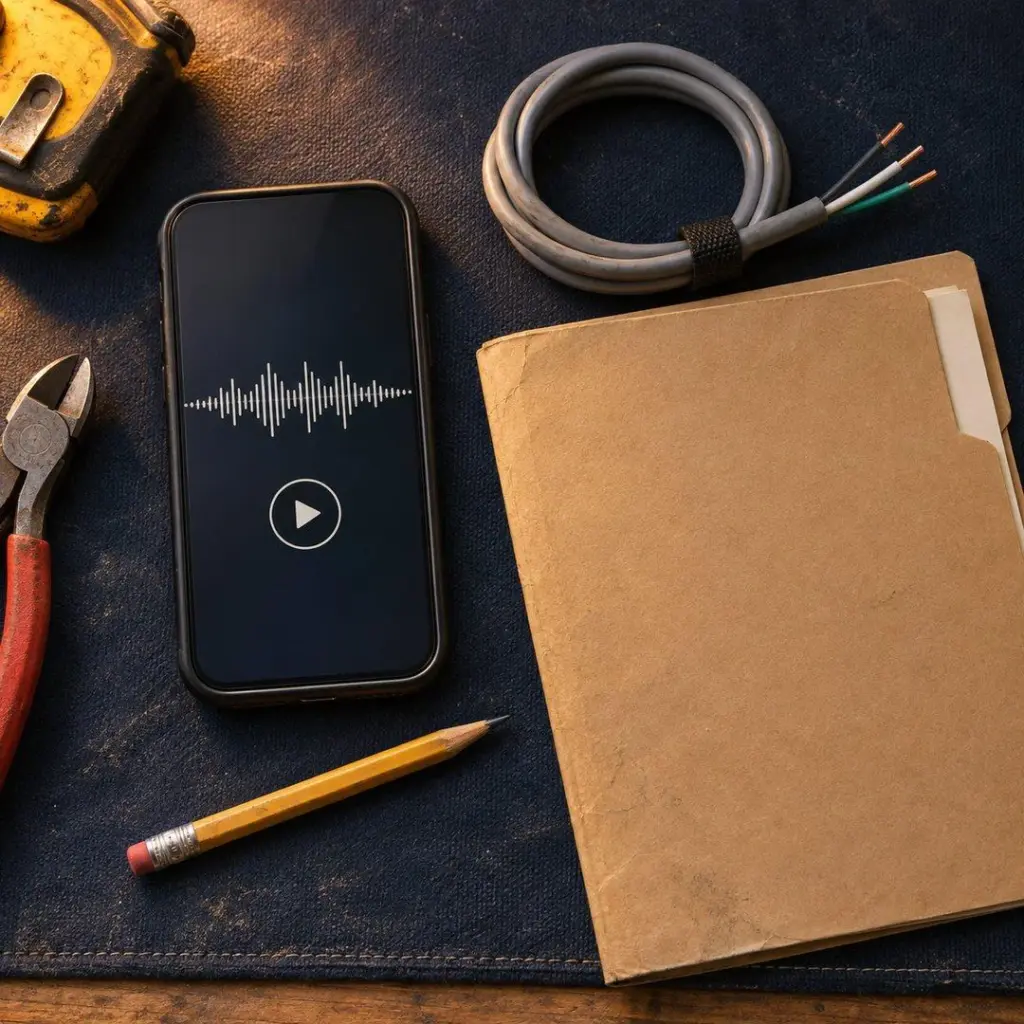
Those four sentences contain a completed repair, an open issue, missing information, and a person responsible for follow-up. A speech-to-text tool can produce the transcript. An AI assistant can then sort the details under those four headings. The electrician reads the draft beside the original note, corrects any errors, and approves it before the office sees it.
The practical benefit shows up the next morning. Sam can open the work order and see exactly why he needs to call. For a trial, ask the office to track how often it still has to call the technician for clarification. A shorter report has little value if it leaves the same questions unanswered.
Use customer questions to improve a product page
Say an online store sells replacement cushions. Its inbox includes questions about ties, covers, and whether the quoted width includes the piping. Individually, each message takes a minute to answer. Read together, the questions tell the owner what the product page leaves out.
Take a batch of recent questions, remove personal details, and ask AI to group similar ones. Have it show an original question under each group so the store manager can check the match. “Can I wash the cover?” and “Can I buy just the cover?” sound similar. They call for different answers.
The manager can now pick one page to improve. If shoppers keep asking how to measure a chair, add a measuring photo and the supplier’s verified instructions beside the size selector. Then compare how often that question comes in per 100 orders. A useful answer on the product page can save time for the customer as well as the support team.
Use a built-in tool, connect two systems, or build your own?
Start with the software your staff already opens every morning. An inbox assistant may be all an estimator needs for occasional inquiries. If she spends more time copying the approved brief into another system than writing it, that handoff is the next place to look.
For a stable process, a connector can carry details between systems. Microsoft’s Power Automate, for example, can run an AI prompt and pause for a person to approve the result. A fixed rule can handle the rest, such as assigning an approved job to the estimator on duty. Routine steps like sending the same confirmation after every booking usually need only a rule.
Custom software starts to make sense when the handoff depends on how your business works. A sign shop might need separate approvals for artwork and rush delivery, plus a record of who approved each. Sketch that path before paying for a build. Agree on what happens if a field is blank, the tool is offline, or the same request arrives twice.

A one-week checklist for your first AI test
- Pick one repeated task and ask the person doing it what would make tomorrow easier.
- Choose ten past examples, including a vague request and one with a changed deadline. Remove private details and use a tool approved for the information you share.
- Write down what a good result must include. Save the original beside each draft. AI can confidently add an incorrect detail, so have someone who knows the work review it.
- Time the current process and the trial from start to approval. Count corrections and missed details alongside minutes saved.
- Compare the value with the cost. If 40 requests a month each take five fewer minutes after review, that frees 200 minutes, or 3 hours and 20 minutes. At an assumed $30 per hour, that’s $100 of staff time per month before software, setup, and upkeep. It becomes a cash saving only if spending falls.
The best first project gives someone time back on a task they already understand. If you’re weighing an idea for your Scottsdale business, send Net-Craft an example with the private details removed. Tell us where the work starts and where the result belongs. We can help you decide whether a setting in your current software, a connection between tools, or a custom build fits the job.
- Back
- Next